

ElevenLabs Voice Cloning: How To Clone Your Voice?


I have been using ElevenLabs' Voice Cloning for more than a year now.
I cloned the voice of Bibin Wilson, the founder of DevOpsCube.
Bibin is often busy working on his IT consulting company (CrunchOps).
So he doesn't always have time to record videos. But since it's a faceless channel, audio alone is enough.
I also cannot simply use another person for the voice-over because Bibin is the voice of DevOpsCube, and I want to maintain that identity.
Due to his busy schedule, our content production was often delayed.
So I wanted to solve this problem, and that's when I learned about ElevenLabs.
I learned how to use the platform through experimentation.
Once I successfully cloned Bibin's voice, the production team and I started creating videos for Instagram reels, and our YouTube channel. We're now expanding this to our DevOpsCube courses too.
It has literally saved us a lot of time and allowed us to create videos without requiring Bibin to record every voice-over himself.
In this guide, I will show you exactly how I cloned Bibin's voice using ElevenLabs.
What is ElevenLabs?
ElevenLabs is an AI-powered voice platform that helps you clone voices and dub audio into different languages.
But voice cloning is not its only feature.
You can also use ElevenLabs to generate text-to-speech audio, create sound effects(SFX), isolate voices, change voices, and generate images and videos.
If you do not want to clone your own voice, or simply do not feel comfortable recording, you can use one of the built-in voices available on the platform.
These voices are available in different languages with accents.
Basically, ElevenLabs currently supports 74 languages for text-to-speech, and 90 languages for its AI dubbing tool.
The next section is really important....
Types of ElevenLabs Voice Cloning Models
ElevenLabs offers two voice cloning methods:
- Instant voice cloning
- Professional voice cloning
Let's look at how they work and how they differ.
1. Instant Voice Cloning
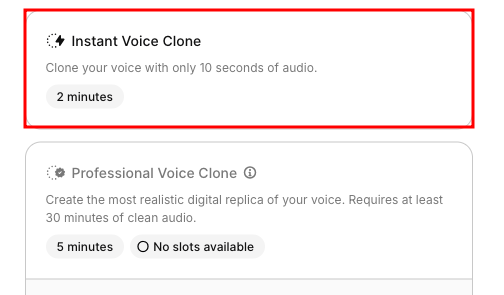
With instant voice cloning, you can create a clone of your voice using two minutes of recorded audio.
But is the result always perfect and accurate?
In my experience, not really.
Let me show you the difference between my original and the instantly cloned voice version.
Note: The original audio below contains background music. Please ignore the music, and focus only on my voice😄
My Original voice:
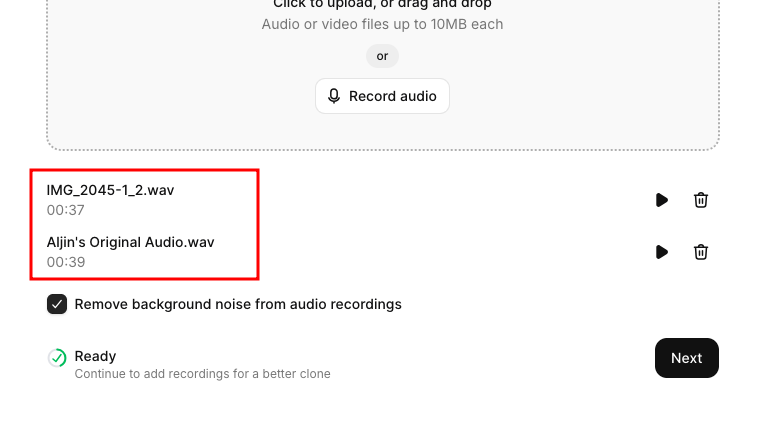
You can see that together, the two recordings provided approximately 76 seconds of audio for ElevenLabs to use.
After uploading the recordings, click Next.
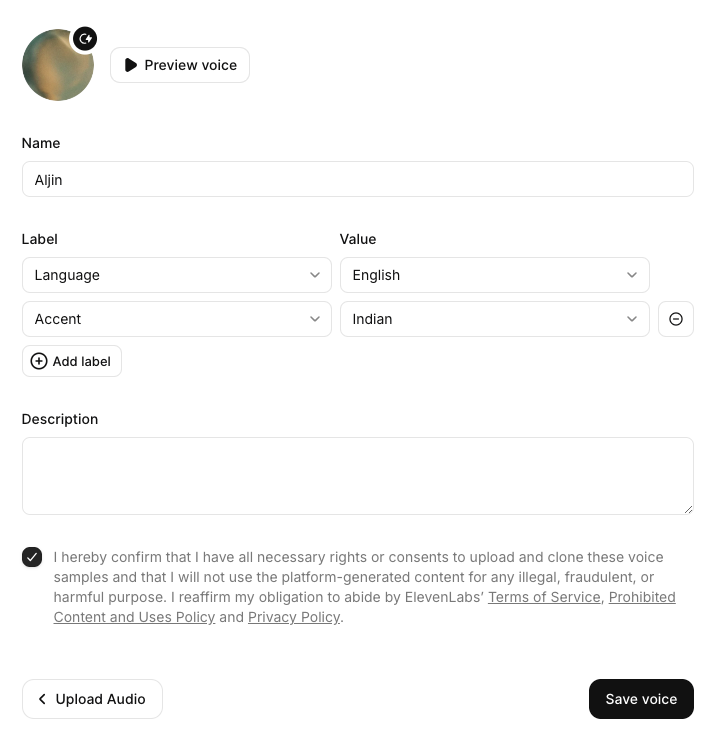
Now, I entered my name, selected English as the language and Indian as the accent, and saved the voice.
So, I have cloned my voice; listen to the voice below.
My Instant Cloned Voice:
The cloned voice sounds a bit robotic and unnatural, doesn't it?
That's why we tried the second option: Professional Voice Cloning.
2. Professional Voice Cloning
ElevenLabs professional voice cloning is an advanced AI model.
It will use more audio to train and fine-tune a more accurate model, which in turn produces a high-quality voice clone.
According to ElevenLabs, providing up to three hours of clean audio can help you produce a high-quality voice clone.
In the next section, I will show you how to train and create your voice using the Professional Voice Cloning (PVC) method.
Steps to Clone Voice with ElevenLabs
This section will show the exact framework I used to clone Bibin's voice for the DevOpsCube channel.
Let's start creating your voice.
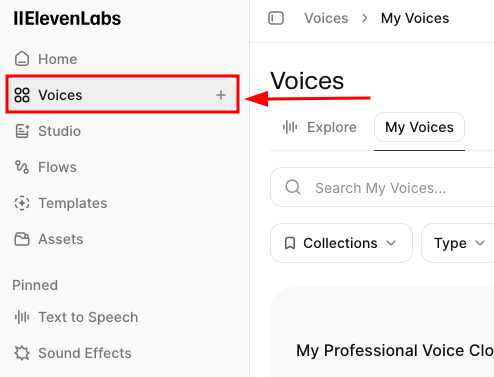
Step 1: Open the Voices Page
On the ElevenLabs dashboard, you can find the Voices option in the left-hand menu bar. Open it.
Step 2: Click the Create Voice button
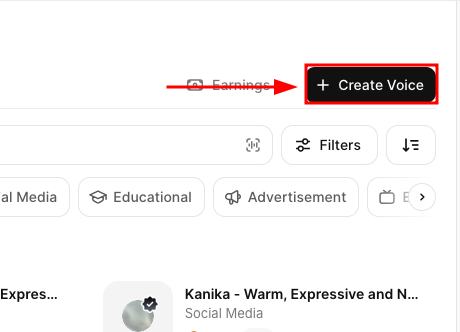
Once you enter the Voices page, you will see the Create Voice button in the top-right corner.
Click it to view the available options.
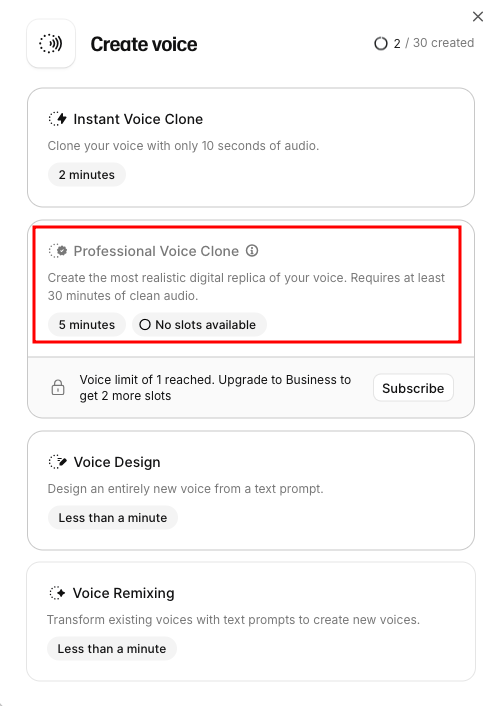
A pop-up will appear with several options, including instant voice clone, professional voice clone, voice design, and voice remixing.
Then, you have to select the Professional Voice Clone option.
Step 3: Upload or Record Your Audio
Before uploading or recording your voice, enter the following details.
- Enter the name for the voice (eg, your name)
- Select the language you spoke in your recorded audio
- Select your accent, gender, and age(young, middle, or old)
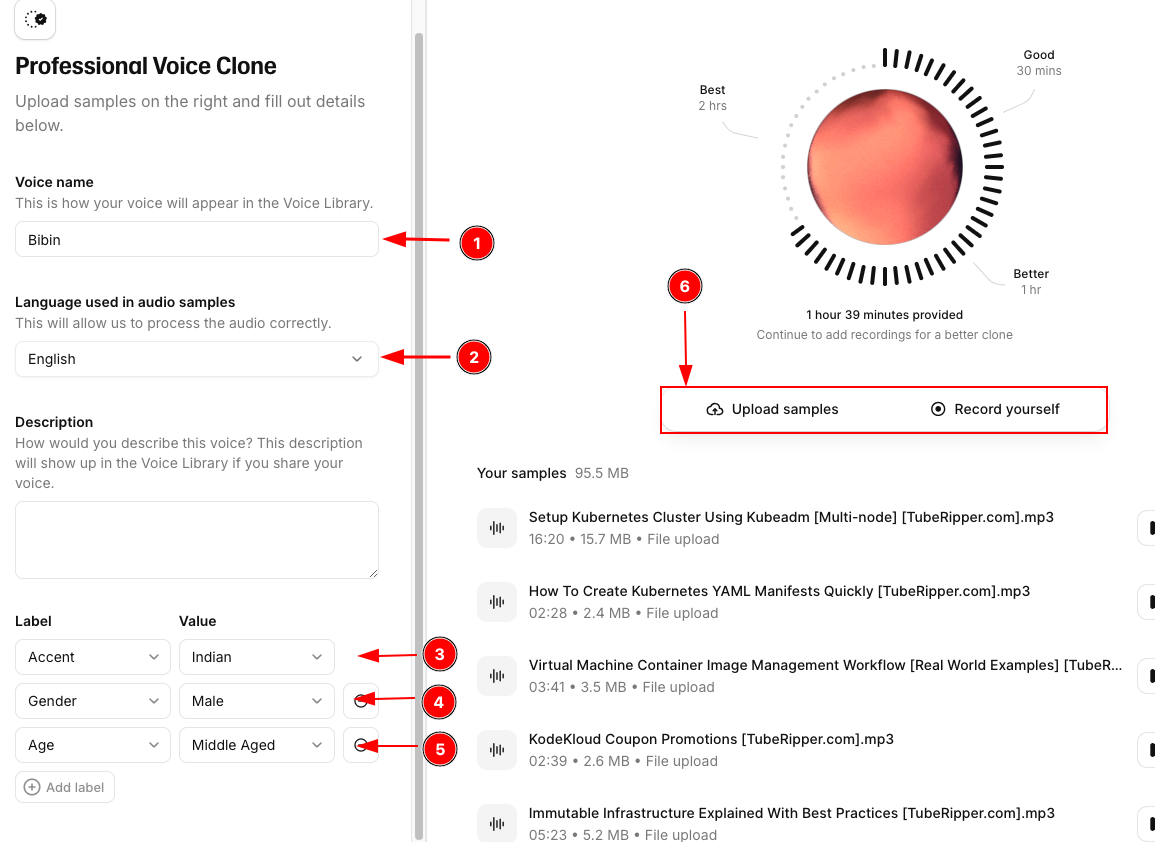
Now, you can upload your audio from your local files(samples), or record your voice directly within ElevenLabs.
If you want to get accurate results, try to upload at least one hour of clear audio.
If possible, I recommend providing around three hours of audio for a higher-quality output.
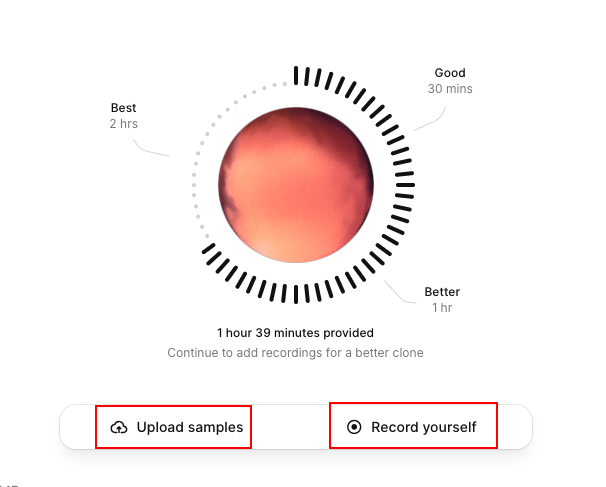
As a matter of fact, for Bibin's voice clone, I scraped around one and a half hours of audio from existing DevOpsCube YouTube videos and uploaded it to ElevenLabs.
Step 4: Remove Background voice
Once your audio has been processed, you can use the option in the settings to remove background noise.
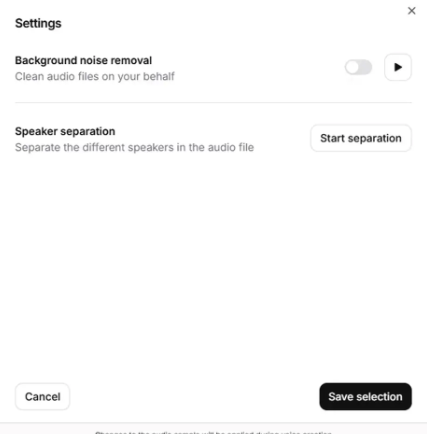
Now, you may then be asked to verify your voice by recording a new sample.
Once the verification is done, ElevenLabs will start fine-tuning your voice.
Within a few minutes, your cloned voice will be ready.
You can then enter your scripts and start generating audio.
Here are samples of Bibin's original and cloned voice.
Original Voice:
Cloned Voice:
Did you listen to how accurately the cloned version reproduces his voice?
Yeah, this is how ElevenLabs helped us save time and maintain a consistent voice across our videos.
There is one important thing to remember when generating audio.
Sometimes, the generated audio may contain unnatural pauses or incorrectly pronounced words.
Always listen to the complete recording and correct any issues before downloading and using it.
Other Real Examples
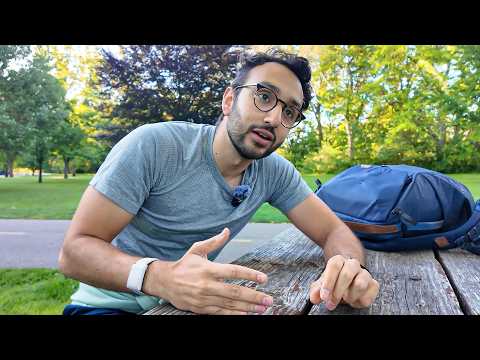
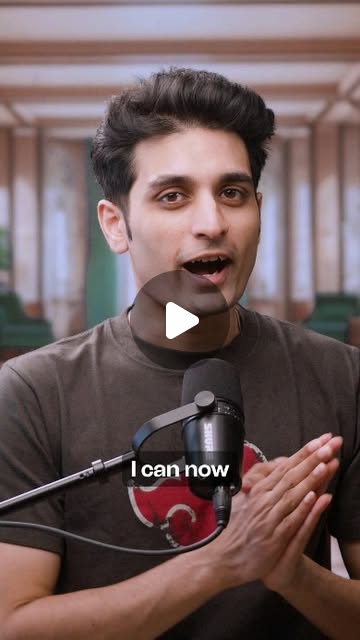
Below, I have mentioned other creators who have cloned and dubbed their voices using ElevenLabs, check them out.
 Ali Abdaal

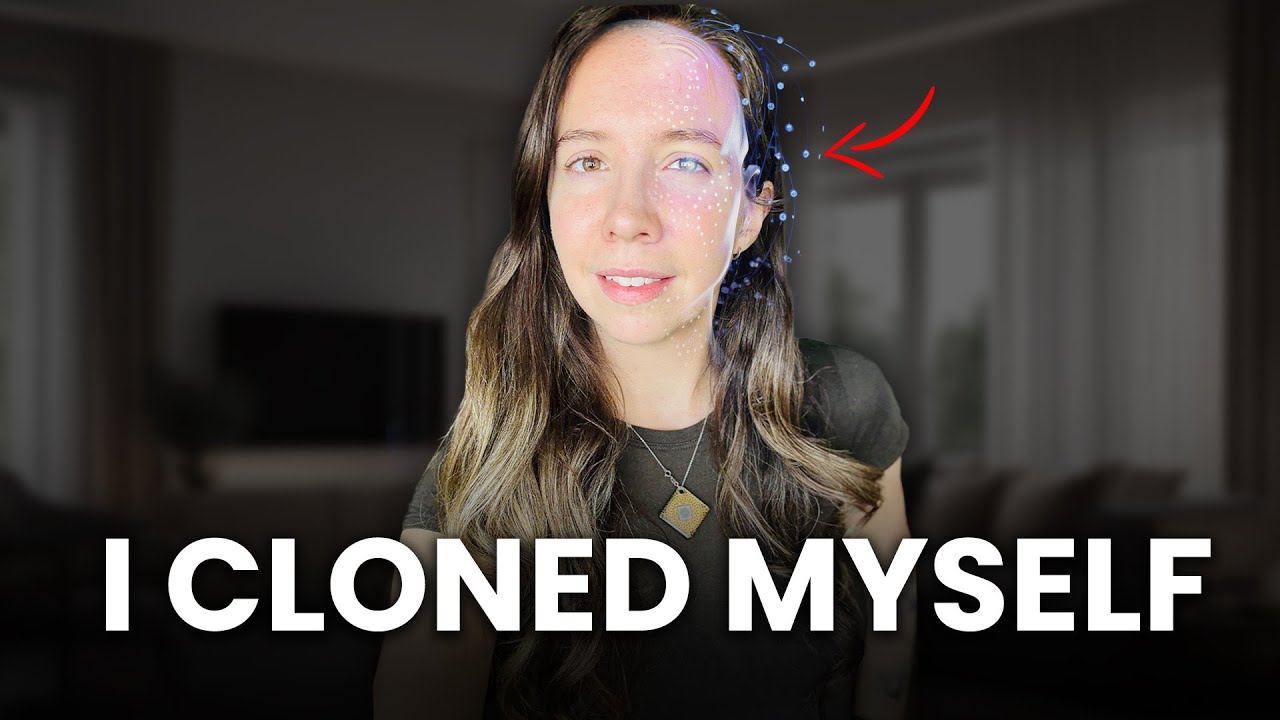
 Julia McCoy
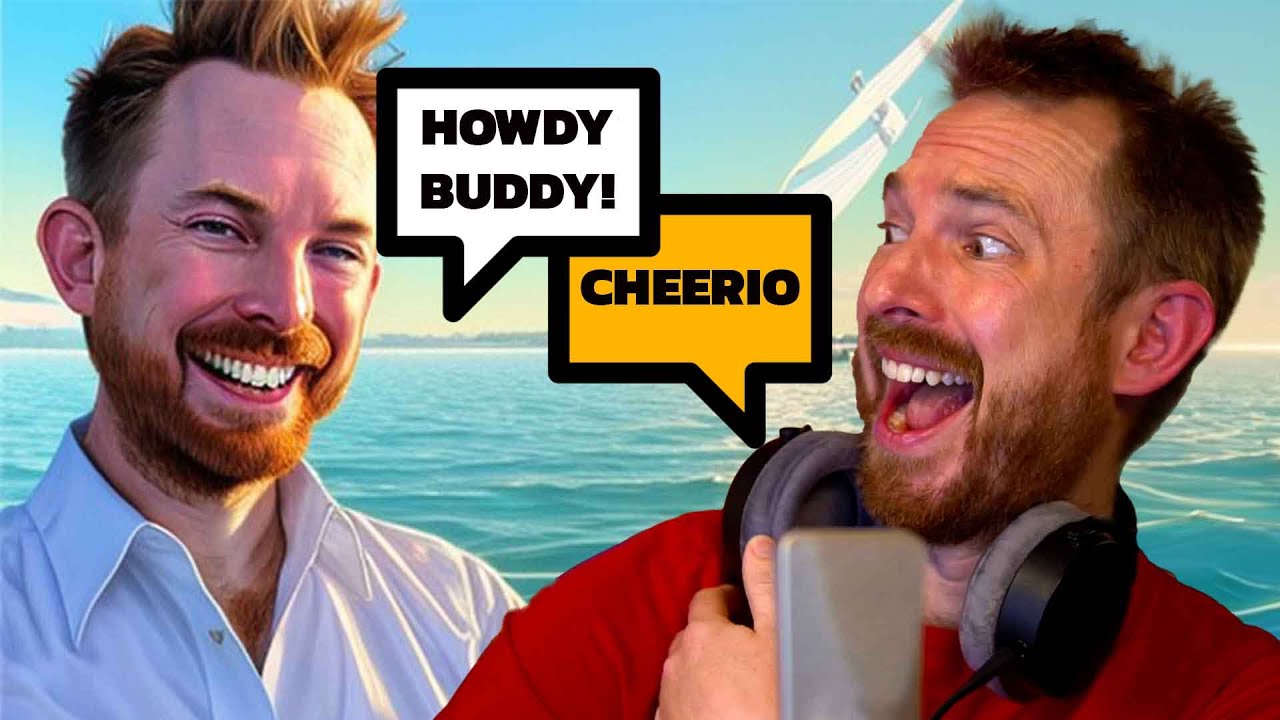
 Mike Russell
 Colin and Samir
Conclusion
In this guide, I have explained and demonstrated how I effectively cloned a voice using ElevenLabs.
To be honest, if you run a faceless channel, this tool can definitely help you in the long run.
Next, I plan to experiment with cloning either myself or Bibin using HeyGen.
Once the experiment is complete and I have successfully created a digital version of one of us, I will share the detailed process with you.
If you have any questions regarding voice cloning, leave them in the comments.
I'll be happy to help.